Lease-driven charges
Keep base rent, scheduled changes, and CAM charges connected to the tenant record.
Connect the lease’s rent schedule, recorded collections, open balances, tenant statements, and eligible Stripe ACH payments in one commercial property workflow.
Owner briefing · Northline Commerce Center
Your property needs 3 decisions
TenantPoint prepares the work · You approve the action
Illustrative product view · fictional demo property
Keep base rent, scheduled changes, and CAM charges connected to the tenant record.
See what is still due and distinguish recorded payments from payments that are still processing.
Eligible workspaces can offer tenant-initiated bank payments through Stripe after landlord setup is complete.
Follow transaction status and available fees, and reconcile bank activity without assuming every deposit matches a tenant.
A useful collection workflow begins with the right lease and obligation. TenantPoint keeps the schedule, the amount due, payment activity, and tenant context together so the next follow-up is based on the record, not memory.
Tenant statements and recorded payments remain useful even when a tenant pays outside the portal. Where Stripe ACH is enabled, the tenant can initiate payment for an eligible outstanding obligation.
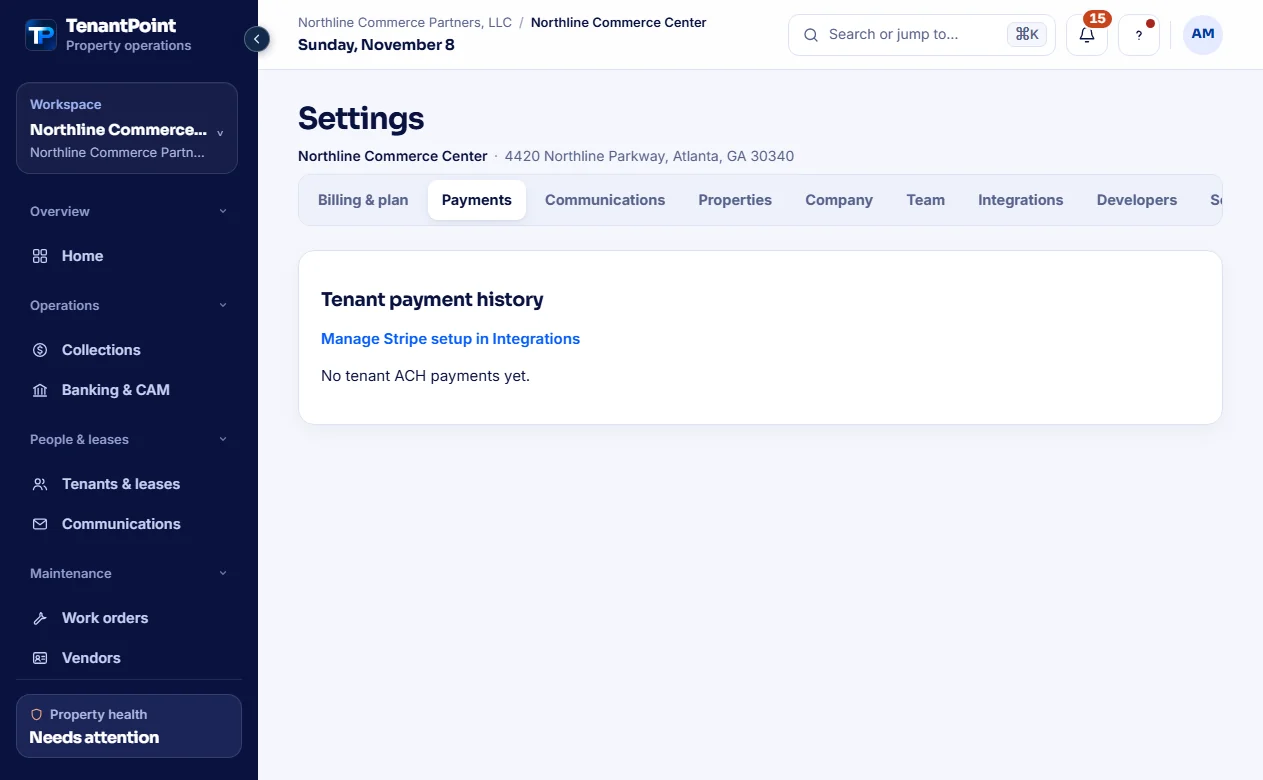
ACH payments can take several business days and can fail or return. Review the current status in Settings → Payments instead of treating a checkout return page as final settlement.
The landlord pays a $1 TenantPoint fee per successful ACH payment, plus applicable Stripe processing fees. Stripe payment setup is in Settings → Integrations; Plaid bank feeds and the TenantPoint subscription are separate connections.
Eligible Portfolio and Professional workspaces, and configured Custom plans, can accept tenant-initiated ACH through a verified Stripe-connected landlord account. Owner and Trial do not include tenant ACH payments.
No. Payment status, obligations, and bank activity provide useful context, but people still review and confirm matches and exceptions.