Track ACH payments, fees, returns and refunds
Read tenant-payment history without treating processing as paid, and handle confirmed-payment refunds deliberately.
#Before you start
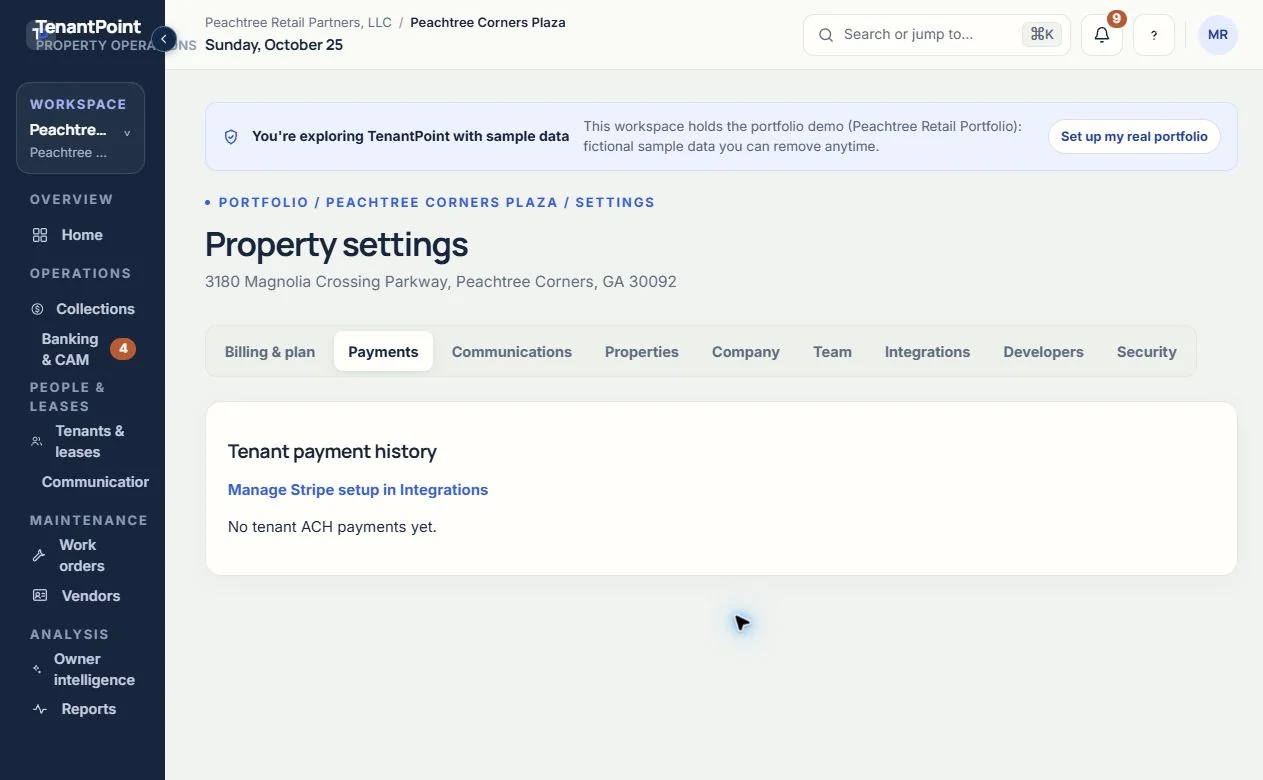
Open Settings → Payments with the workspace's authorized customer Owner or Admin. This is tenant ACH history, not your SaaS subscription invoices and not the Banking transaction feed. The Manage Stripe setup in Integrations link takes you back to the connection and readiness controls.
#1. Read the payment state
Check the tenant, property and amount alongside the status. Created or Requires action is not a confirmed payment. Processing means the bank payment is still in progress. Confirmed records a successful result, but a later bank return can still change it. Failed, Returned, Cancelled and Refunded describe different outcomes; do not record all of them as collected rent.
A pending payment should be investigated before asking the tenant to submit another one. Repeated clicking is not a way to speed up ACH.
#2. Review fees and landlord net
Payment history displays the TenantPoint application fee, Stripe processing fee and landlord net amount when the provider supplies them. TenantPoint's platform fee is $1 per successful ACH payment and Stripe fees are separate. A blank or pending fee is not a promise of zero cost. Compare the actual record and provider information before reconciliation.
#3. Handle failures and bank returns
For a failed or returned payment, review the visible status and contact the tenant with appropriate next steps. Consult the provider's payment record or support if a reason is needed; the TenantPoint history table does not show every provider detail. Do not count the original payment as rent received after it has been returned, and do not manufacture a separate manual receipt to hide the return. If a displayed balance seems wrong, check its charge and payment history before collecting again.
TenantPoint surfaces payment status and relevant notifications; delivery depends on contact details and configured email service. Check the record directly when making a collection decision.
#4. Issue a refund only when intended
For an eligible confirmed payment, use the available refund control and review the confirmation before submitting. This is a real financial action, not a status refresh. Refund handling may depend on the provider and receiving account. TenantPoint's current refund path returns the application fee with the refund; Stripe processing-fee treatment follows Stripe's terms. Do not promise a refund completion date.
#Expected result and troubleshooting
The payment's history reflects its current outcome, with fees and net amounts when known. Refunds and returns are distinct from manually recording a returned offline payment in Collections. If controls are missing, check status, role, plan and payment readiness. Contact support with the date, amount and visible status; never include bank credentials or provider secrets.
See the current workflow
These captures use controlled sample or internal demo records, not customer records. Available controls depend on your role, plan and account readiness.