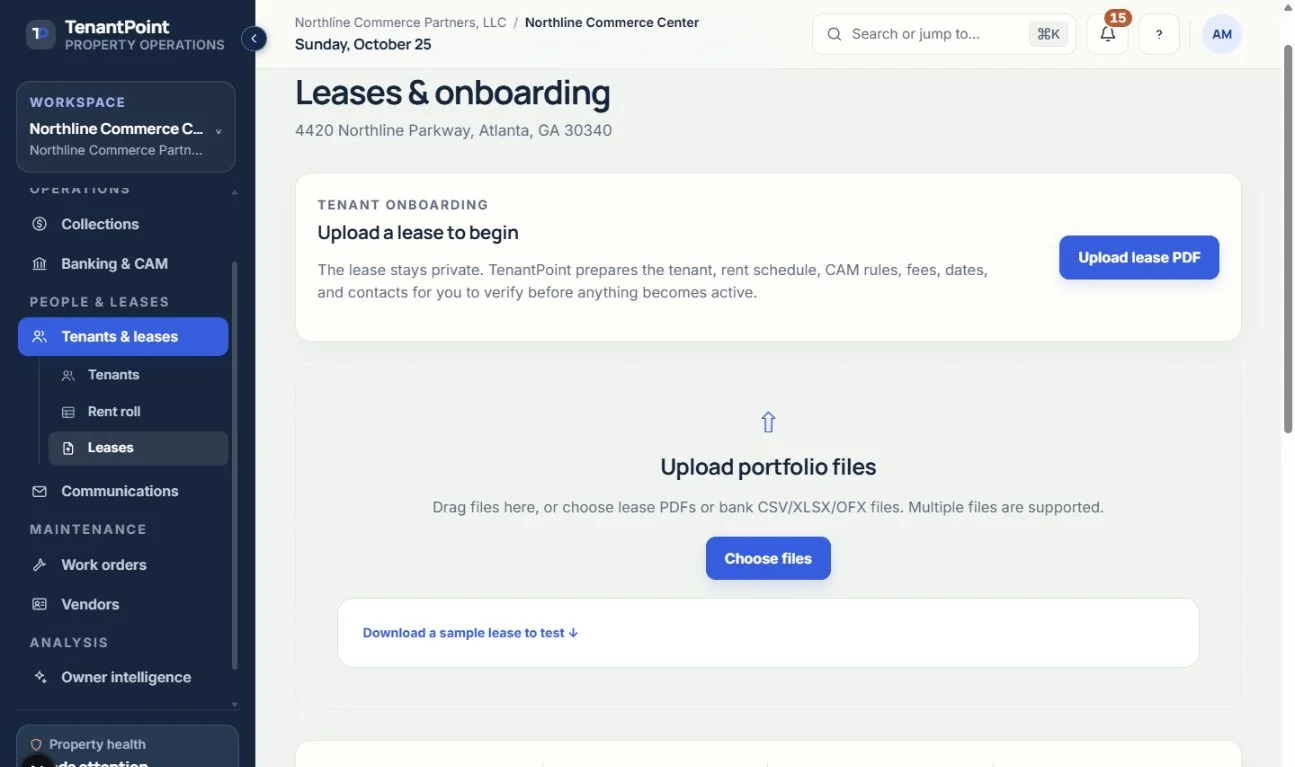
Uploading and verifying a lease
How AI extraction works, and why a person confirms every field before it goes live.
#What gets extracted
From the lease PDF, TenantPoint proposes the tenant's name, suite, base rent and rent steps, lease dates, CAM basis, late-fee language, contacts, renewal options, and key operating clauses, with the source page next to each field where available.
#Check the base rent and the rent schedule
The “Current base rent” field is filled with the lease's starting rent, not the rent in force today. Below the form, check the “Stepped base-rent schedule”. If it says “No rent escalation schedule found” and the lease has rent increases, add them on the tenant's Rent schedule tab after you create the tenant. Otherwise the base rent you confirm here is billed for every month of the lease.
#Reviewing the extracted terms
“Review extracted lease terms” groups the fields into Lease overview, Financial terms, Important dates, Tenant contact, Billing & renewal, CAM, and Operations. A bar at the top counts the items that still need review. “Jump to next ↓” moves to the next one, and “Open source PDF ↗” opens the lease beside it.
If the reader can't find or read a value, it leaves the field blank instead of guessing, and the field is marked “Needs review”. Fill it in, or type “Not applicable” if the lease doesn't cover it. Anything else the reader wants you to check is listed under “Needs attention” below the form. TenantPoint doesn't check whether values contradict each other, so read the figures against the lease. Nothing is written to the tenant record until you press “Verify & create tenant →”.
#Late-fee terms are confirmed separately
The lease's late-fee wording pre-fills the late-fee terms editor, but no fee is charged until you confirm those terms. See Confirming late-fee terms.
See the current workflow
These captures use controlled sample or internal demo records, not customer records. Available controls depend on your role, plan and account readiness.